Network recorders (NVR)
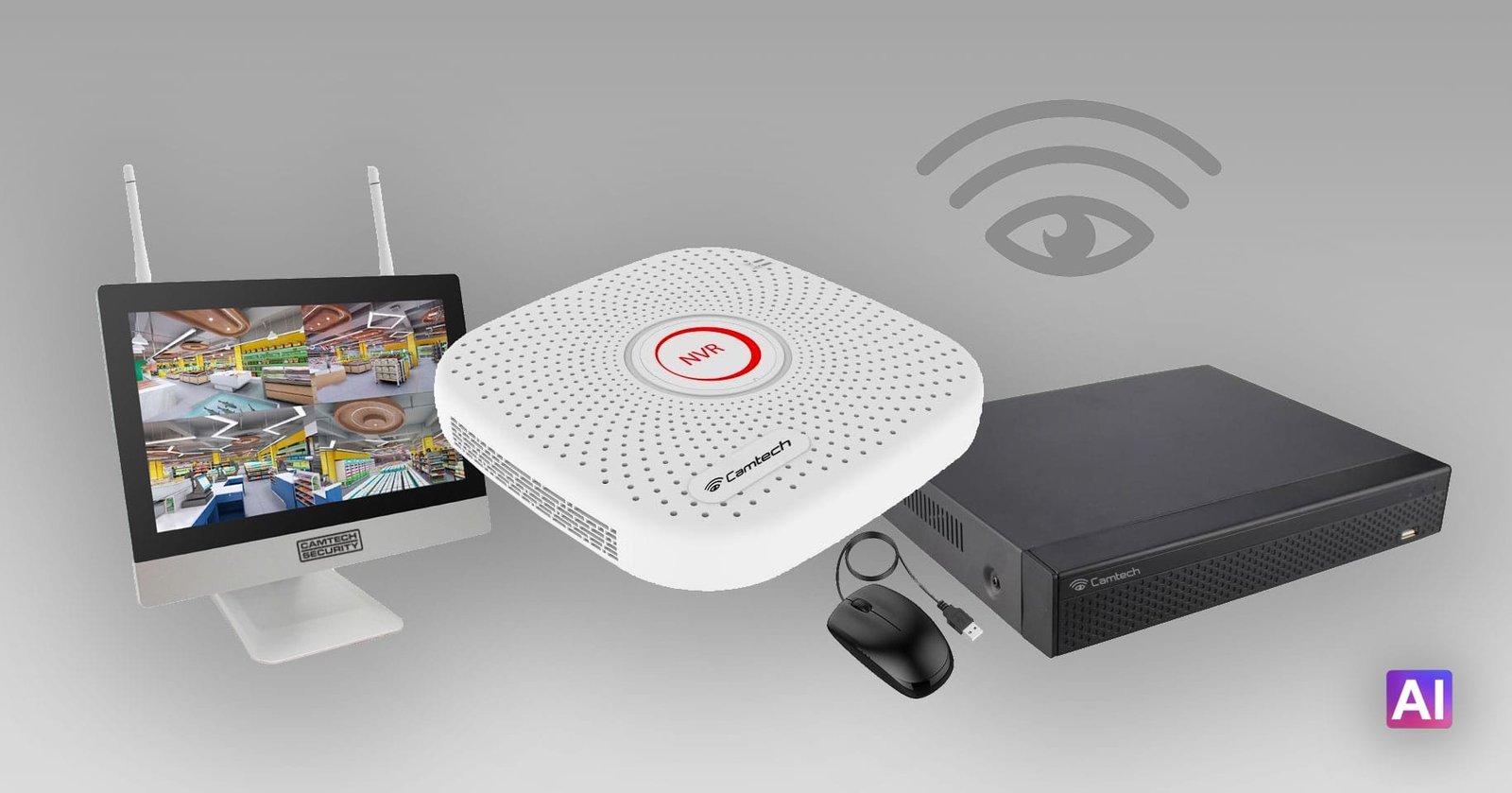
A short introduction to Camtech Supervision NVRs. For more information, as always, please get in touch.
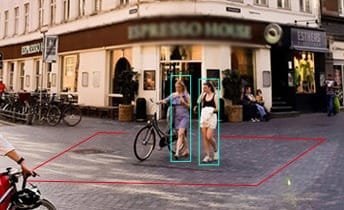
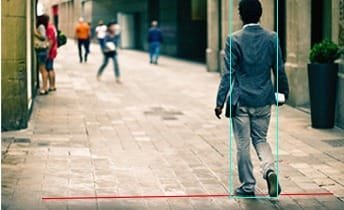
Even though every Camtech IP camera is essentially its own Linux computer, you preferably also want a “main computer”. It handles alarms, records events triggered for example by motion inside precisely marked virtual areas at a chosen time and weekday, alarms if a camera is tampered with, connects efficiently to cloud services, joins the cameras into one interface, and adds more processing power than a single camera has.
That main computer is called an NVR (Network Attached Storage).
Camtech NVRs are Linux computers controlled with a mouse in a graphical Linux operating system. You can operate them with dedicated computer software, and also directly in a browser, on a tablet or on a phone.
One Camtech NVR can handle anywhere from 4 to 64 cameras (4K), depending on the model. Some models supply PoE directly from the NVR’s Ethernet ports.
The best-selling models are the 9-camera NVRs, with or without Wi-Fi. They handle anything up to 9 cameras, and of course fewer than that.
If you already have decent analogue cameras, they can be used in our hybrid models, which accept both an IP picture and an analogue signal.
The recorders are Linux computers with a built-in web server, mail server, FTP, DDNS, RTSP and a graphical operating system. Once they have been configured during installation, they normally do not need to be touched for years.
Sometimes it is worth updating the software. I will let you know.
Besides recording motion to an internal hard drive, they also send material to the cloud in real time. An NVR can be used from anywhere in the world over the internet, on a computer, tablet or phone.
The latest models have AI. You can load face images and compare what is recorded with known faces, and for example not record people who are allowed to be on the site. They also have face search: from a face image you can search motion recordings to find when a known person moved through the area. They can focus on the face while recording.
Examples of AI in the NVR